Compare the features, pricing plans, and add-ons available with QuickBooks Workforce and Gusto to find the best payroll solution for your business.
28 years experience
helping small businesses
4.3/5

6400+ customer reviews on Capterra
Join millions of customers globally
use QuickBooks globally2
QuickBooks vs Gusto


Integration
Payroll to accounting integration
(payroll is mapped to corresponding accounts)
 fully integrate. detailed data
requires API. basic data
Payroll to job costing integration
(time and payroll mapped for job costing)

Payroll & taxes
Unlimited payroll runs
(at no extra cost)
Same-day direct deposit
premium or elite
2-4 days or next day in higher plans
Auto file & pay taxes
(federal, state, local)
local requires premium or elite
Tax penalty protection
(coverage whether it’s our fault or customer’s fault)
elite
Time tracking
Employee scheduling
(shift and project scheduling)
shift scheduling in premium only, project scheduling in elite only, shift swapping in elite only
Employee time tracking
(when an employee worked)
premium or elite
requires higher plan
Employee location tracking
(GPS tracking and geofencing)
GPS tracking in premium or elite geofencing in elite only
requires higher plan. geofencing only
HR & employee management
Document management
(securely store and share employee documents)
HR support
(labor, wage, anti-discrimination, & benefits laws)
premium or elite
requires higher plan
Benefits management
(health insurance, retirement, employee benefits)
Pricing reflects total monthly costs as of November 1st, 2025. Pricing may vary subject to discounted introductory rates. Pricing and feature list accurate as per FreshBooks website on November 1st, 2025.
QuickBooks Workforce vs. Gusto: Comparison Overview 2026
QuickBooks Workforce and Gusto are both popular workforce management solutions for small businesses. However, QuickBooks Workforce has beneficial time tracking, job costing, and faster direct deposit features that make it a top choice for small to mid-sized businesses.
Below, we break down the key differences in features, advantages, and pricing to help you choose the platform that best suits your business needs and budget.
QuickBooks Workforce overview
QuickBooks Workforce gives you everything you need to better manage and pay your team with confidence. Track time, run payroll when you want with same-day direct deposit, automate tedious tasks, and more.
Find the right QuickBooks Workforce plan for you
Already have QuickBooks? Add Workforce.
1
Pick a payroll plan
2
Add accounting
3
Checkout
Workforce Payroll
Pay your team and get payroll taxes done for you.
Take care of payday
Full service payroll
We’ll calculate, file, and pay your payroll taxes for you. Set up and calculate garnishments and deductions from each paycheck.** Create and download reports for payroll history, bank transactions, contractor payments, paid time off, tax payments, and more.
Auto payroll
Run auto payroll for salaried employees on direct deposit.** Review and approve payroll before paychecks are sent and easily make compensation changes.
1099 E-File
Create and e-file unlimited 1099-MISC and 1099-NEC form with the IRS** We’ll automatically send copies to your contractors.
Expert product support
Payroll support experts available via phone and chat.** Get step-by-step help, troubleshooting assistance, tips, and resources.
Next-day direct deposit
Our second fastest money movement option, run payroll by 5:00 PM to pay your employees the next business day.**
Team management tools
Document upload and sharing
Securely upload and store employee documents within individual employee profiles.
Employee data management
Manage employee information, including profiles, team directories, and add, view, and bulk update employee data.
NEW
Employee portal
Your team can access their pay stubs and W-2s and enter their personal, direct deposit, and tax info online or in app.
Background checks via Checkr
Fast, smooth, and safe background checks starting at $29.99 per report. Integrated into applicant recruiting**
NEW
Take care of your team
Health benefits for your team
Attract & retain employees with integrated health insurance by Allstate.**
401(k) plans
Attract & retain employees with integrated QuickBooks 401(k) by Vestwell.**
Workers’ comp administration
Save money and get coverage for on-the-job injuries with a policy by NEXT.**
Take care of tracking time
Workforce Elite
The complete workforce platform, with experts in your corner.
Take care of payday
Full service payroll
We’ll calculate, file, and pay your payroll taxes for you. Set up and calculate garnishments and deductions from each paycheck.** Create and download reports for payroll history, bank transactions, contractor payments, paid time off, tax payments, and more.
Auto payroll
Run auto payroll for salaried employees on direct deposit.** Review and approve payroll before paychecks are sent and easily make compensation changes.
1099 E-File
Create and e-file unlimited 1099-MISC and 1099-NEC form with the IRS** We’ll automatically send copies to your contractors.
Expert product support
Payroll support experts available via phone and chat.** Get step-by-step help, troubleshooting assistance, tips, and resources.
Same-day direct deposit
Our fastest money movement option, run payroll by 7:00 am to pay your employees that same business day.**
Expert setup
A QuickBooks payroll expert will complete your setup, once you provide necessary information. If switching from another payroll provider, we’ll make sure data is entered correctly.
Tax penalty protection
If you receive an IRS penalty, we’ll pay all penalty fees and interest up to $25,000/year. Our Tax Resolution team will represent you and help resolve any payroll tax or filing issues with the IRS. Terms apply.**
Team management tools
Document upload and sharing
Securely upload and store employee documents within individual employee profiles.
Advanced employee data management
Manage employee information, including profiles, team directories, and add, view, and bulk update employee data. Also includes employee history and effective dating so you can choose when changes take effect and see all past changes.
NEW
Employee portal
Your team can access their pay stubs and W-2s and enter their personal, direct deposit, and tax info online or in app.
Background checks via Checkr
Fast, smooth, and safe background checks starting at $29.99 per report. Integrated into applicant recruiting**
NEW
Company documents center
Streamline your HR paperwork by using AI-powered templates and e-signatures to create, send, and store everything from company handbooks to personalized employee documents.
NEW
Hiring & onboarding
Streamlines the new hire process, from sending offer letters to completing digital paperwork. Automated I-9 process from collection to storage to help you stay compliant.
NEW
Time off management
Customize your time off policies, monitor balances effortlessly, and approve requests with one click. Plus, time off automatically syncs with your schedules, timesheets, and embedded payroll so you can reduce manual data entry.
NEW
Automated HR workflows (unlimited)
Automates multi-step HR processes and workflows, like promotions or offboarding, with custom approval chains.
NEW
Recruiting
Manages the hiring process from job posting to offer letter with built-in applicant tracking.
NEW
Manager role
Empower managers to take action for their direct reports in Workforce, including approving requests, completing tasks, and accessing employee profiles.
NEW
HR resource center & handbook creator
Mineral, Inc. offers customized job descriptions, handbook creator, compliance alerts, and best practices on hiring, performance, and termination.**
NEW
Automated I-9
Automate compliance and streamline employment verification.
Performance management
Drive employee performance by documenting and tracking goals, feedback, and reviews - and use this information to better manager your team. Send employees recognition for a job well done.
NEW
Personal HR advisor
Consult with a certified HR advisor by phone or online, powered by Mineral, Inc. **
Take care of your team
Health benefits for your team
Attract & retain employees with integrated health insurance by Allstate.**
401(k) plans
Attract & retain employees with integrated QuickBooks 401(k) by Vestwell.**
Workers’ comp administration
Save money and get coverage for on-the-job injuries with a policy by NEXT.**
Benefits administration
Simplifies benefits enrollment, management, and administration for employees and HR teams. Limited availability, additional fees apply.**
NEW
Take care of tracking time
Workforce app
Allow employees to track their time from their mobile device or using a kiosk on premise at the office or shop.
Create schedules
Create schedules by jobs or shifts and share with your team.
Customize reports
Understand your data so you can predict job costs, plan for payroll, and see a clear picture to profitability.
See who’s working
Know who's working, what they're working on, and what job they're doing.
Geofencing
Set up a geofence to remind your team to clock in and out.
Track mileage
GPS technology shows you how far your employees travel when they’re on the clock.
Project activity feed
Set deadlines that empower your team to prioritize tasks, track progress and share next steps with your team.
Project estimates vs. actuals
Compare budgeted hours to actual hours worked.
Overall features

Fast processing
Hold onto your cash longer and run payroll when you're ready. Depending on your plan, you can pay by direct deposit the same day you run payroll or the next day.
Job costing
Track labor costs, allocate expenses to specific projects, and generate detailed reports to analyze profitability and make informed decisions for future projects.

Manage time tracking
Improve accuracy, approve timesheets, and save over 2 hours every time you run payroll.2

Employee scheduling
Add QuickBooks Time to create schedules by jobs or shifts. Easily edit, publish, and share the schedules with your team.

Seamless sync
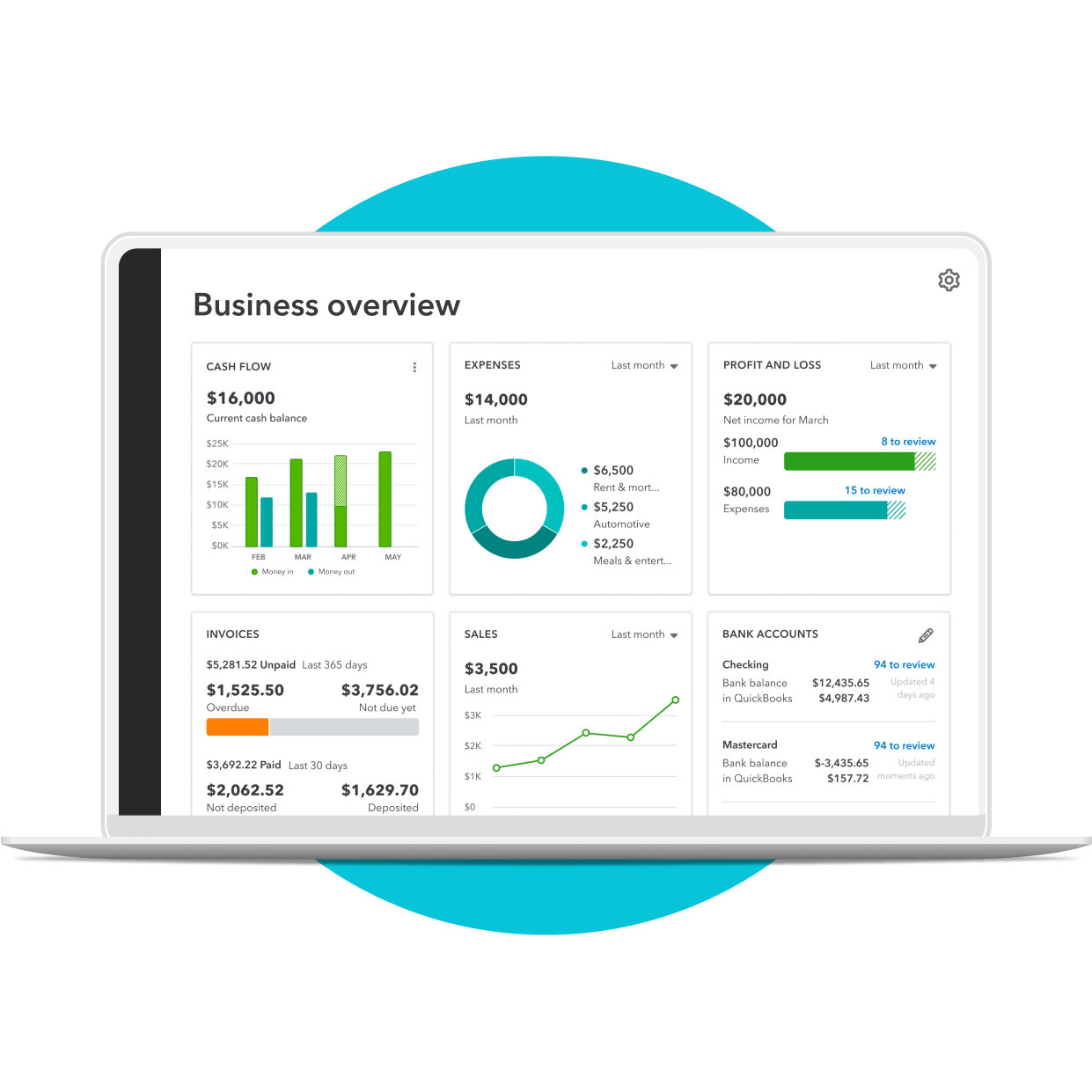
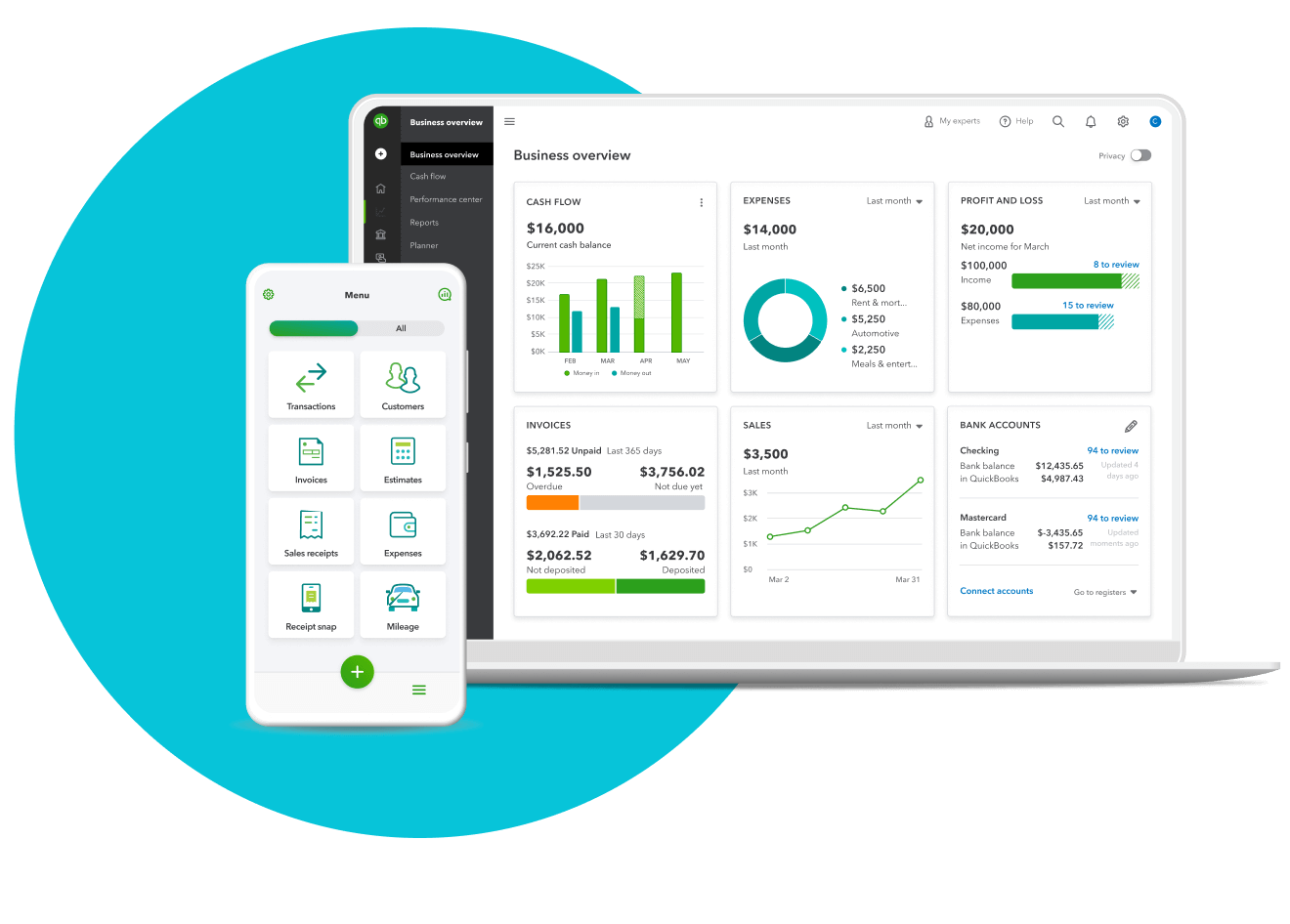
Your payroll data syncs with your accounting tools to ensure your payroll data is accurate and up-to-date.

Automatic payroll
Reduce manual entries and free up your time when you set payroll to run on its own.**


Gusto overview
Gusto is an HR platform with tools for managing payroll. It helps you pay your employees and contractors, stay compliant, file taxes, and identify tax credits.
Plans & pricing
Gusto offers three distinct pricing plans tailored to different business needs: Simple, Plus, and Premium. Each plan offers varying levels of functionality and support.
Simple
Simple is for small businesses needing basic payroll. It provides full-service single-state payroll, 1099s, basic hiring and onboarding tools, and payroll and time-off reports.
Plus
For evolving teams needing advanced payroll, HR, and time tracking, Plus offers everything in the Simple plan, plus full-service multi-state payroll, next-day direct deposit, time and project tracking, and advanced hiring and onboarding tools.
Premium
Premium is for scaling businesses that require a comprehensive payroll, benefits, and HR solution with dedicated support. Features include compliance alerts, an HR Resource Center, access to certified HR experts, and more.
Overall features
Integrations
Gusto has integrations for accounting, time tracking, expense management, and more.

Single state payroll
Process full-service single-state payroll including W-2s and 1099s. Get unlimited payroll runs, plus automatic tax calculations and filing.

Customer support
Customers can access an online Help Center or call or chat with Gusto’s support team.

Hiring and onboarding tools
Post jobs, track applications, create offer letters and onboarding checklists, and integrate your hiring workflows.
See How QuickBooks Workforce Compares to Gusto
QuickBooks Workforce is a standout payroll software option for small to mid-size businesses. It offers seamless integration between its payroll and accounting software, ensuring real-time data syncing that keeps payroll accurate and updated. Plus, QuickBooks has advanced time-tracking features that integrate with its job costing system, allowing for precise allocation of labor costs to specific jobs or projects. And when you're ready to scale your operations, QuickBooks is a user-friendly solution designed to grow with your needs.
How QuickBooks Online can help your business differently
Effortless integration with QuickBooks
With QuickBooks Workforce, your payroll data automatically syncs with your QuickBooks accounting software, ensuring accuracy and consistency across your financial records.

Fast direct deposit
Keep employees and contractors happy with same-day or next-day direct deposits.
Expert support
QuickBooks offers expert phone and chat support, providing you with a direct line to experts when you need them. With personalized assistance, you can tackle any accounting challenge with confidence and keep your business on track.
Key Considerations When Choosing Accounting Software
When selecting accounting software like QuickBooks, businesses should consider their size and complexity, the accounting experience of their team, budget constraints, and long term growth plans. Smaller companies with simpler needs may prefer streamlined tools, while larger or growing organizations often require advanced features, integrations, and scalability. Balancing ease of use, affordability, and the ability to expand ensures the software will support both current operations and future success.
Frequently asked questions
Explore additional comparisons
Choose the right accounting solution fit for your business.
Get everything you need to streamline payday, track time, manage HR, and offer team benefits with the #1 payroll provider.¹
Call Sales: 1-877-866-5232




